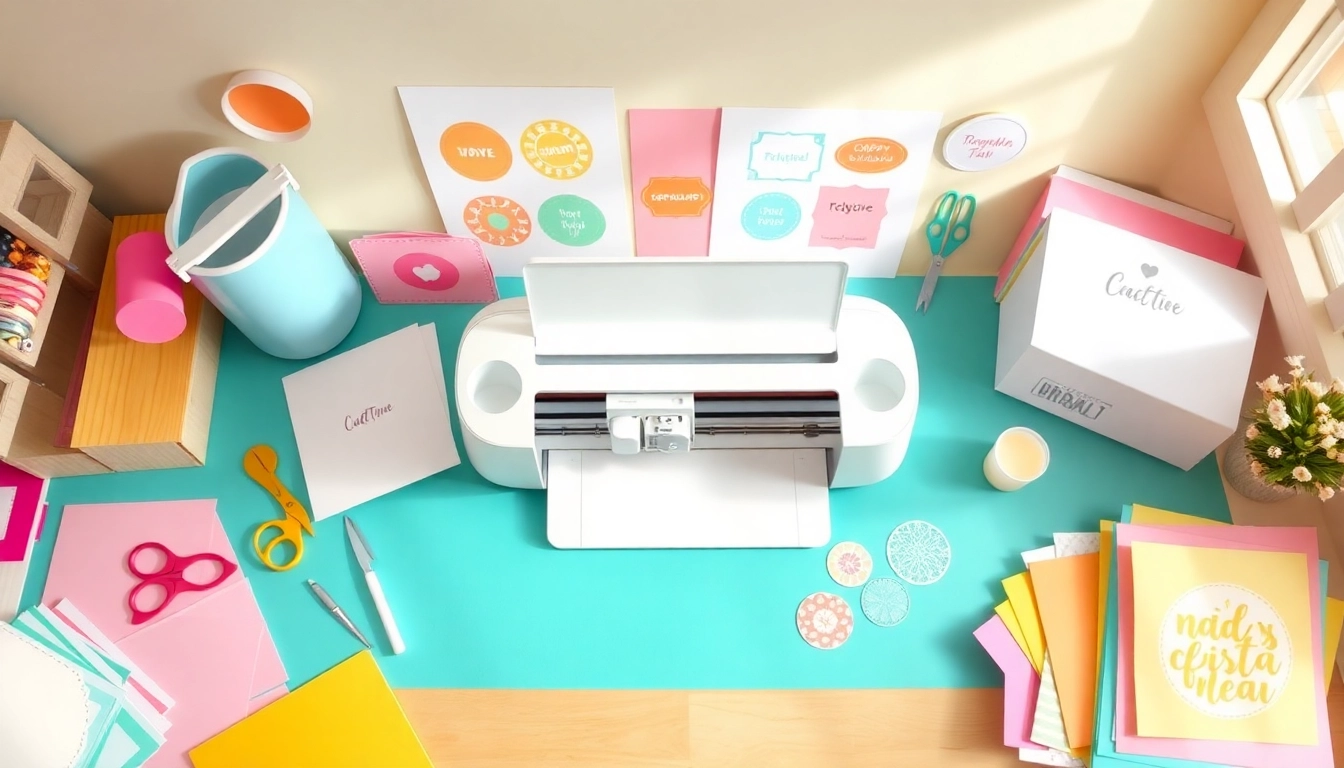
Getting Started with Cricut for Beginners
For those diving into the world of DIY crafting, the Cricut machine presents endless possibilities. Whether you’re aiming to create personalized gifts, eye-catching home decor, or unique apparel, understanding how to navigate your Cricut is vital. This comprehensive guide on Cricut for beginners will equip you with the knowledge to get started and thrive in your creative projects.
Understanding the Different Cricut Machines
The first step in your Cricut journey is selecting the right machine. Cricut offers several models like the Cricut Maker, Cricut Explore Air 2, and Cricut Joy, each tailored for different crafting needs. The Cricut Maker is versatile, accommodating a variety of materials from paper to fabric and wood, while the Explore series is perfect for cutting paper and vinyl. The Cricut Joy, on the other hand, is compact and great for quick projects.
- Cricut Maker: Ideal for advanced users and intricate projects.
- Cricut Explore Air 2: A great balance of functionality and accessibility for intermediate users.
- Cricut Joy: Perfect for beginners or those with limited space.
Essential Tools and Materials for Your First Projects
Equipping yourself with the right tools is essential for a smooth crafting experience. Start with the basics:
- Cricut Mat: These sticky mats hold your materials in place while cutting.
- Weeding Tool: Perfect for removing excess material from your designs.
- Transfer Tape: Essential for transferring your vinyl designs onto surfaces.
- Design Space Software: A free app that allows you to create and customize projects digitally.
Setting Up Your Cricut Machine: A Step-by-Step Guide
To set up your Cricut machine, follow these steps:
- Unbox your machine and remove all packaging materials.
- Plug it in and power it on.
- Connect to your computer or mobile device and download Cricut Design Space.
- Create an account or log in to access project templates.
- Select a material and insert it onto the cutting mat.
- Load the mat into your machine and hit “Go”!
Basic Techniques Every Beginner Should Know
Learning to Use Cricut Design Space Effectively
Cricut Design Space is your creative playground. Familiarize yourself with its features, such as uploading images, creating text, and layering designs. Understanding these tools will allow you to unleash your creativity fully. Additionally, there are many tutorials available online that can provide step-by-step guidance to enhance your design skills quickly.
Common Mistakes and How to Avoid Them
Many beginners encounter pitfalls that can frustrate their crafting journey. Here are common mistakes to lookout for:
- Forgetting to mirror images when using heat transfer vinyl.
- Not using the correct blade for specific materials.
- Failing to adjust the material settings in Design Space, leading to cuts that are too deep or too shallow.
Essential Maintenance Tips for Your Cricut Machine
Regular maintenance of your Cricut machine will prolong its lifespan and maintain optimal performance. Here are key tips:
- Clean the blades after each use to prevent residue buildup.
- Replace worn blades as needed for crisp cuts.
- Store your machine in a dust-free area and cover it when not in use.
Creative Project Ideas for Beginners
Simple Vinyl Decals That Anyone Can Make
Vinyl decals are one of the easiest projects for beginners. For example, you can create personalized stickers for your laptop or custom wall art using adhesive vinyl. Here’s a quick project idea:
- Choose a simple design or text in Design Space.
- Cut the design out of vinyl on your Cricut machine.
- Weed out the excess vinyl and use transfer tape to apply it to your surface.
Personalized Gifts: Crafting with Your Cricut
Crafting personalized gifts is a delightful way to showcase your skills. Consider making custom t-shirts, mugs, or tote bags. Using iron-on vinyl, you can personalize items for friends or family for birthdays and special occasions, making thoughtful keepsakes that leave a lasting impression.
Seasonal Decor Ideas for Every Holiday
Embrace the spirit of each season by creating decorative items for your home. For example, make festive banners, ornaments, or themed centerpieces. The Cricut machine allows you to cut intricate designs that elevate your seasonal decor effortlessly, bringing warmth and joy to your celebrations.
Advanced Techniques to Elevate Your Crafting Skills
Exploring Heat Transfer Vinyl and Iron-On Projects
Once you’re comfortable with basic projects, delve into heat transfer vinyl (HTV) for apparel. HTV is applied using a heat press or iron, making it perfect for projects like custom t-shirts. The result is a durable, professional-looking finish. Be sure to practice your technique to master the application process.
Creating Multi-Layered Projects with Ease
Multi-layer designs can add depth and complexity to your projects. Begin with simple designs to practice layering techniques. Use different colors of vinyl or cardstock to build up layers, ensuring each is correctly aligned before pressing or gluing together. This technique opens up a world of possibilities for creating stunning visuals.
Mastering the Art of Weeding and Application
Weeding can be one of the more tedious tasks but mastering this skill is vital for a polished project. Use a weeding tool to remove excess vinyl carefully, paying attention to fine details. Practicing on simpler designs will help you improve your speed and accuracy, resulting in cleaner finished pieces.
Building a Community and Finding Resources
Joining Cricut Communities and Forums for Beginners
Connecting with fellow Cricut enthusiasts can enhance your learning experience. Online communities like Facebook groups or Reddit forums provide a platform to share projects, ask for advice, and find inspiration. Engaging with others allows you to learn from their experiences and discover new techniques and ideas.
Recommended YouTube Channels and Online Tutorials
Numerous YouTube channels are dedicated to Cricut tutorials. Channels like Jennifer Maker and So Fontsy offer comprehensive guides ranging from basic to advanced crafting techniques. They also showcase creative project ideas, making it easy for you to follow along and replicate the projects at home.
Future Trends in Cricut Crafting for 2026 and Beyond
As crafting continues to evolve, expect more advanced technology integration into Cricut machines. Innovations will likely improve cutting precision and user experience. Moreover, trends such as sustainable crafting materials will gain momentum, encouraging crafters to consider eco-friendly options in their projects.